
Share a folder
Invite people. Their agents see the folder too.
Upload, host, query and edit your JSON, all in one place.

Simplify your stack with a modern JSON hosting service. Edit your data through the API or the web interface, share a link so teammates can edit it too, and let your AI agents and other people's agents read and write the same files through MCP, like a shared memory.
See the APIRead and edit it with simple HTTP requests.
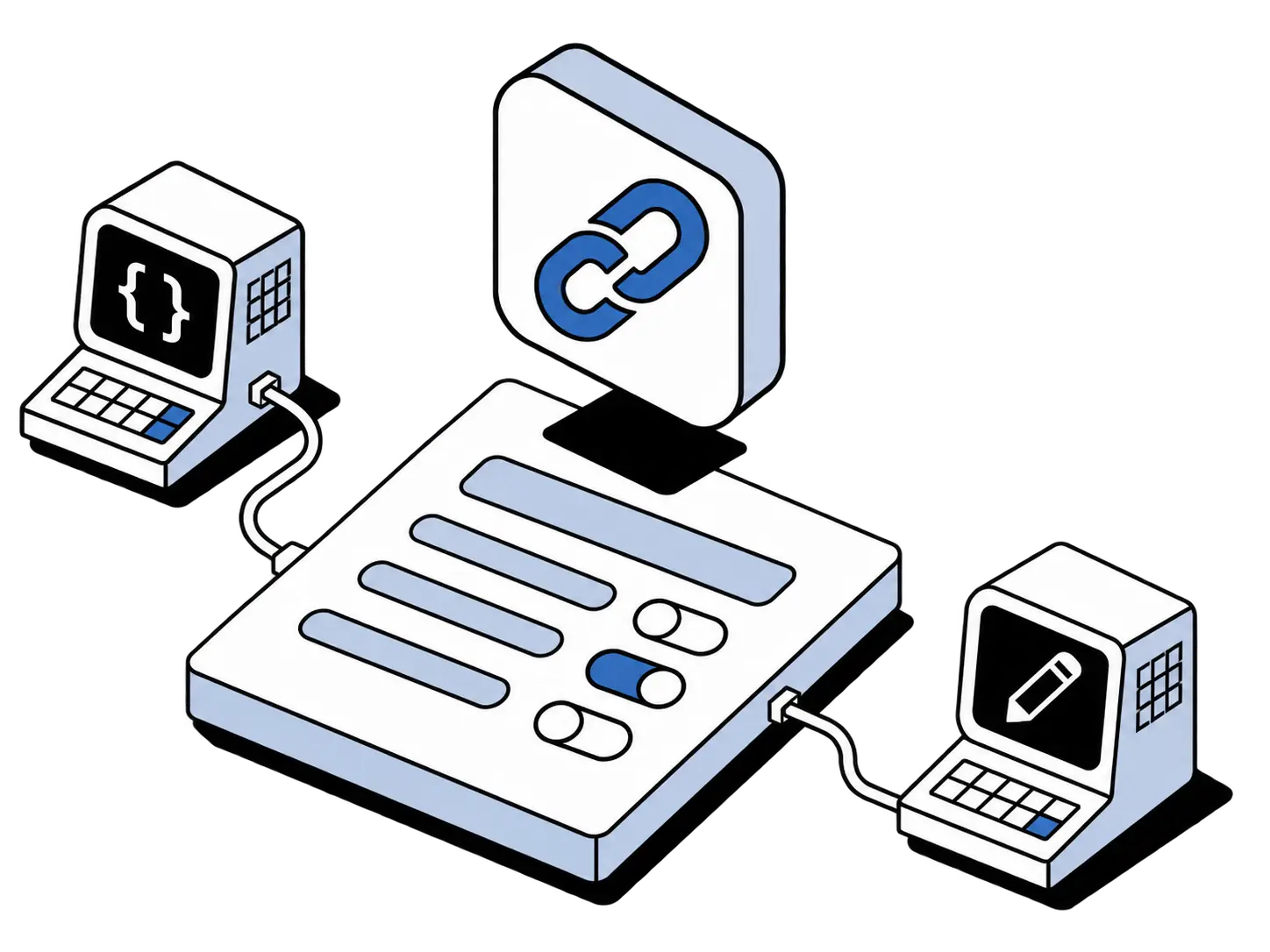
Send them a link, and they change the values in a simple form.
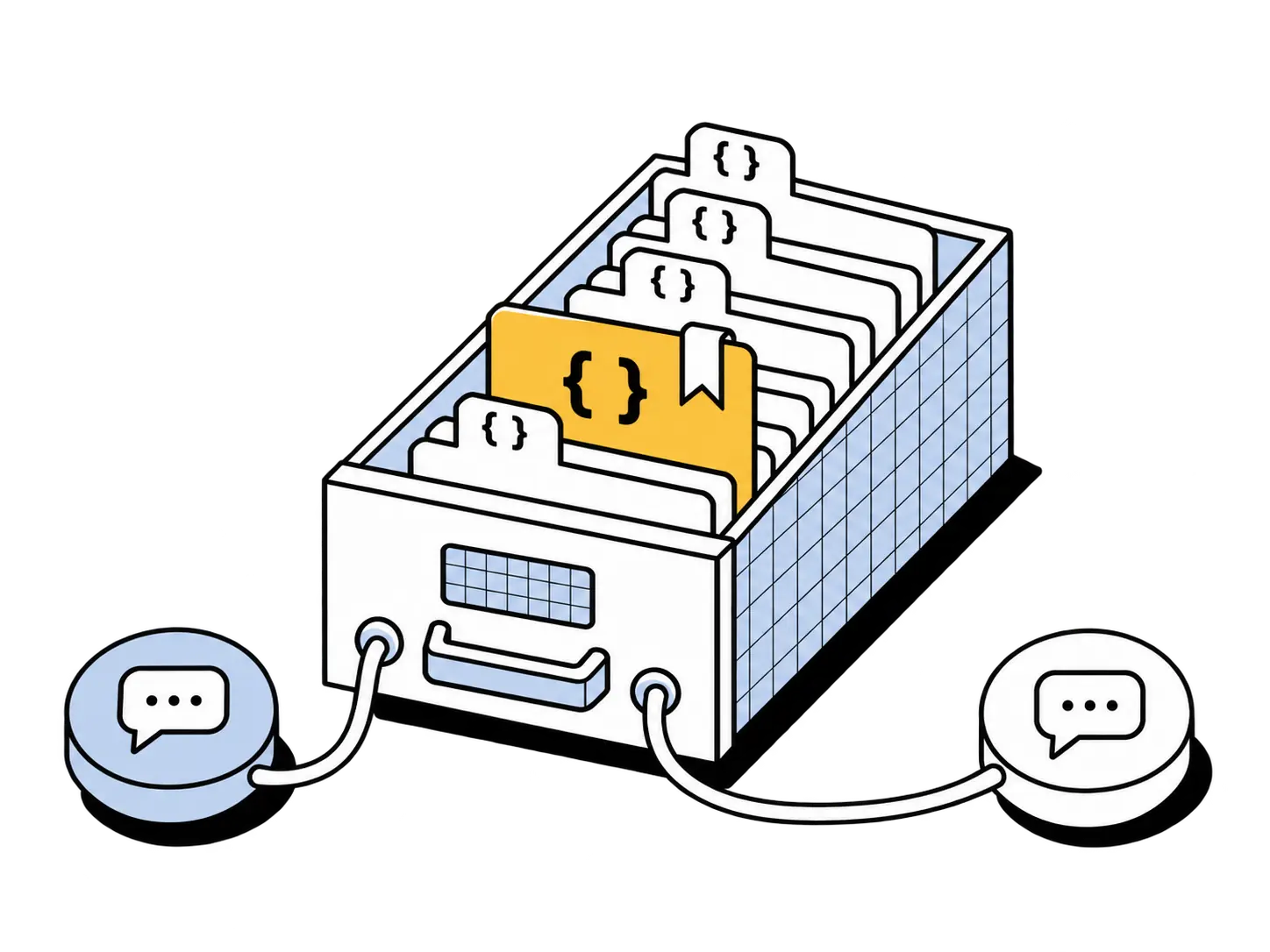
Through MCP, the file becomes a shared memory that your agents and other people's agents read and write.
Get everything up and running in seconds, not days.
Drop the file into the web dashboard. It is hosted at once, at its own URL.
jsonhost.com/json/abc123Get the whole JSON, or specific values of it, with GET requests.
GET /json/abc123/themeChange it with POST and PATCH requests, or in the web interface.
PATCH /json/abc123On the left, the form a teammate sees. On the right, what the API returns. Go on, change something.
A preview on this page. In JSONhost, changes are saved to your hosted file.
{
  "theme": "dark",
  "greeting": "Welcome back!",
  "flags": {
    "newCheckout": true,
    "betaBanner": false
  }
}Developers use the API, teammates use a form, AI agents use MCP. Every change lands in the same JSON.
Fetch the whole file or one value with a JSON Pointer. Replace it with POST, change parts of it with PATCH. CORS is on, so it works from the browser.
Response"2.4.0"
Made for people who don't write code. You get an edit link: open it, change the values in a simple form and save. No JSON to learn. The app picks up the change on its next request. Try it here.
{
  "banner": {
    "text": "Black Friday: 30% off all plans",
    "link": "/pricing",
    "visible": true
  }
}Connected through MCP, your agents save notes, tasks and decisions to shared JSON files. Other agents, yours or your teammates', read them and add what they know. What one agent learns, all of them can use.
SSaraClaude Code · Monday
TTomClaude desktop · Tuesday
Tom never asked Sara. His agent read it from the shared JSON.
No endpoints to write and no database to model. The URL of your file already answers these requests.
curl https://jsonhost.com/json/abc123
{
  "theme": "dark",
  "flags": { "newCheckout": true, "betaBanner": false },
  "supportEmail": "help@example.com"
}
curl https://jsonhost.com/json/abc123/flags/newCheckout
true
curl -X POST https://jsonhost.com/json/abc123 \
  -H "Authorization: YOUR_FILE_TOKEN" \
-d '{ "theme": "light", "flags": { "newCheckout": true } }'File updated.
curl -X PATCH https://jsonhost.com/json/abc123 \
  -H "Authorization: YOUR_FILE_TOKEN" \
  -d '[
    { "op": "replace", "path": "/theme", "value": "light" },
    { "op": "add", "path": "/flags/darkMode", "value": true }
]'2 operations applied.
Give a file an alias and reach it at you.jsonhost.com/app-config.
JSONhost calls your URL with the new content each time a file is updated.
MCP for AI agents
Agents create, edit and query JSON files through MCP, in the folders you open to them. You connect once and sign in from your browser.
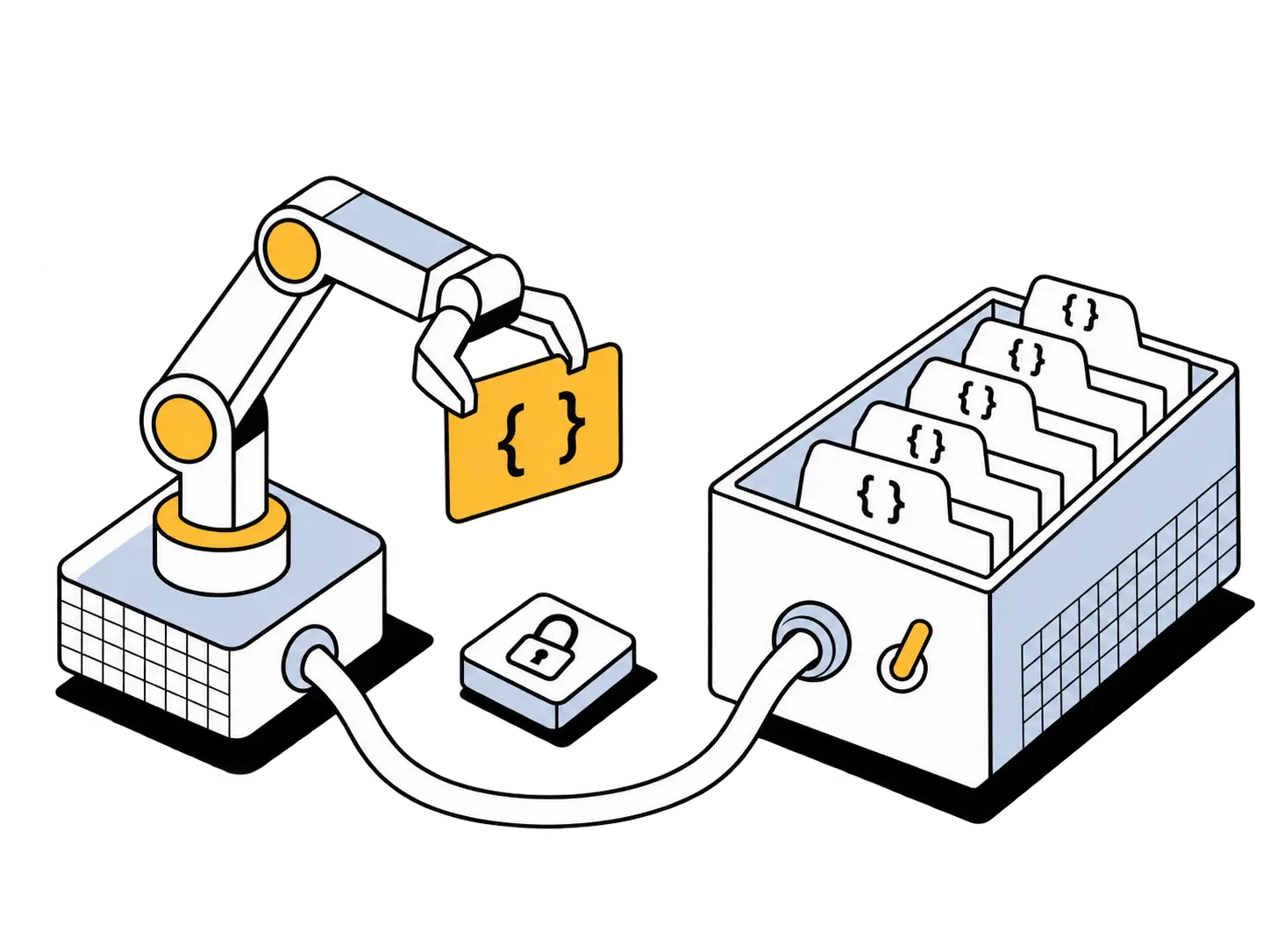
claude mcp add --transport http jsonhost https://jsonhost.com/mcpcodex mcp add jsonhost --url https://jsonhost.com/mcpgemini mcp add --transport http jsonhost https://jsonhost.com/mcpcode --add-mcp '{"name":"jsonhost","type":"http","url":"https://jsonhost.com/mcp"}'https://jsonhost.com/mcpPick what agents may do there: write, create, delete.
mcp.setup.command.text
mcp.setup.signIn.text
It reads, creates and patches files, following each folder's permissions.
YToday: Youchatting with Claude
team / availability.jsonYour system saves the data through the API. Claude reads the same file.
Connect your systems. Ask your AI about live data.
Invite people. Their agents see the folder too.
A locked file is read-only for agents, API calls and the people you share it with in the web interface. Only you can change it, from your dashboard.
See which apps are connected and remove any of them with one click.
Your systems already speak HTTP. AI agents speak MCP. JSONhost gives both the same file and keeps it in sync for both.
Real example Café Luna is a coffee shop. Its cash register and website use the API. The owner talks to Claude. Press a button on each side.

The shop’s systems
Try it: Café Luna
beanandco.com
Oat milkIn stock
FridayOpen 8 to 5
HTTP request
Press the button.
JSONhost
{
  "oat_milk": "in stock",
  "friday": "open 8 to 5"
}
Last change by nobody yet
One file. Both sides read it and write it.

The shop’s AI
Try it: Café Luna
Owner: Is oat milk available?
Claude: Yes, it is in stock.
Agent tool call
Press the button.
No glue code, no queue, no database in between. The cash register, the website and Claude all use the same file.
Turn memory off and see what Tom’s Claude knows on Tuesday.
SMonday: Sarain Claude Code
team-memory / decisions.jsonSaved once, in one shared file.
{
  "orders_database": "postgres"
}
One shared file. Every chat uses it.
TTuesday: Tomin Claude desktop, a new chat
team-memory / decisions.jsonTom never talked to Sara. Claude read her decision from the file.
One command or one connector, then sign in from your browser and pick folders.
Learn moreInvite people to a folder by email. Their agents read and write the same files as yours.
Learn moreSet what agents may do in each folder, lock files, and see every change in the activity log.
Learn moreSmall pieces of data that an app, a device or an agent needs to read, and that someone needs to change now and then.
Remote configuration and user preferences for your mobile apps or websites.
Instructions, device configurations and control parameters, reachable from everywhere.
Mock APIs for testing and development, without complex backend infrastructure.
A ready-to-use simple data layer, so the prototype ships this week.
Technical and non-technical teammates update the same information.
What your recurring agent tasks work from: targets, limits, lists and preferences. Edit the file and the next run follows it.
Control rollouts and toggle features on and off without code changes.
A memory your agents share across chats, apps and teammates: decisions, notes and task lists in JSON that your apps can read too.
Many requests, large files, or a bit of both. Start free and change plan whenever you need.
Daily requests10
File sizeup to 5KB
Files1
$0
Try itDaily requestsup to 10'000
File sizeup to 100KB
Files256
$5 /month
Get startedDaily requestsup to 20'000
File sizeup to 200KB
Files128
$10 /month
Get startedDaily requestsup to 500
File sizeup to 700KB
Files64
$5 /month
Get startedDaily requestsup to 50'000
File sizeup to 20KB
Files256
$10 /month
Get startedUpload a file, get a URL, and go back to building the part of your product that people see.